
Tutorials, tips and resources to get started with CyberPatient. #
#
Welcome to CyberPatient! #
You are now part of a global community of learners ready to be empowered with the knowledge and confidence to face patients in the real world. Our platform is designed to bridge the gap between theoretical knowledge and clinical practice with 130 patients to practice the full continuum of care anytime, anywhere. It’s a textbook come to life!
Check out the CyberPatient Overview Video to discover more.
#
CyberPatient Levels #
CyberPatient has four different levels available for each case.
The faculty will choose class levels for institutional accounts, which are automatically set for students in the courses created by faculty.
If you have an independent student account, you will select the level on which you want to practice your cases.
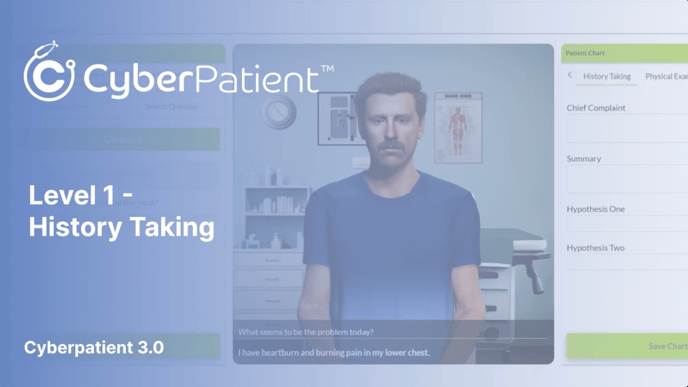
- Level 1 – History Taking
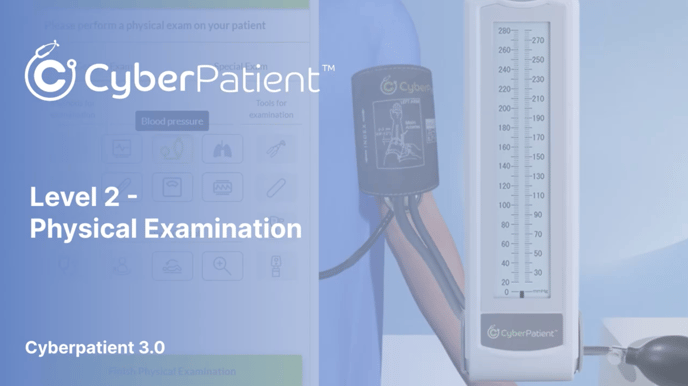
- Level 2 – History Taking and Physical Examination
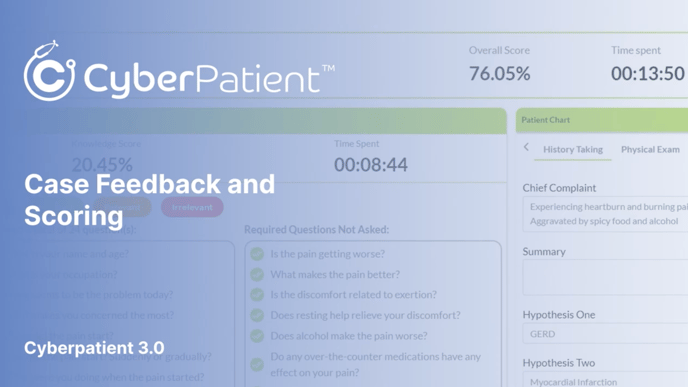
- Level 3 – Full continuum of care – allowing for 3 consecutive mistakes. Feedback at the end of the case will show mistakes and areas for improvment.
- Level 4 – Full continuum of care – after 3 consecutive mistakes, the case is terminated, and the user will have to restart the case without saved data. This level is primarily used in examination situations.
Student Training Videos #
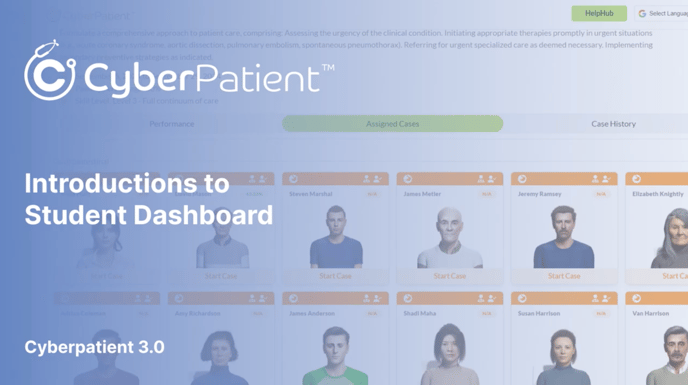
Tutorials are available for each level of CyberPatient, tailored to the experience of students within an institutional account and classroom created by a faculty member. Students with individual accounts can select cases independently and complete the tasks in each section.
Click to play.
For the optimal user experience, we recommend all users watch these videos in order.